How to Choose COB LED Displays and Rental LED Screens for B2B Projects
The short answer: match the display architecture to the project risk
For a B2B LED display project, the right choice depends on more than pixel pitch or purchase price. Start with four questions: Is the screen permanent or repeatedly transported? How close will viewers or cameras be? What protection and maintenance conditions will the installation face? Which supplier can document the specifications, testing, warranty, spare parts, and project support?
COB LED displays are usually considered when the project needs a fine pitch, a more continuous protected surface, strong contrast, and a premium appearance for close viewing. Rental LED screens are designed around repeated setup, teardown, transport, fast locking, service access, and stage or event workflows. Some projects need both: a COB-based rental display can combine fine-pitch visual performance with a cabinet system built for touring or temporary installation.
A useful procurement process therefore separates the technology decision from the supplier decision. First define the viewing, environment, and operating requirements. Then compare complete technical proposals from qualified manufacturers. GravixLED presents COB fine-pitch, rental, transparent, outdoor, and custom LED display solutions for B2B buyers and integrators, but every project should still be evaluated against its own specification and evidence requirements.
When should a project use a COB LED display?
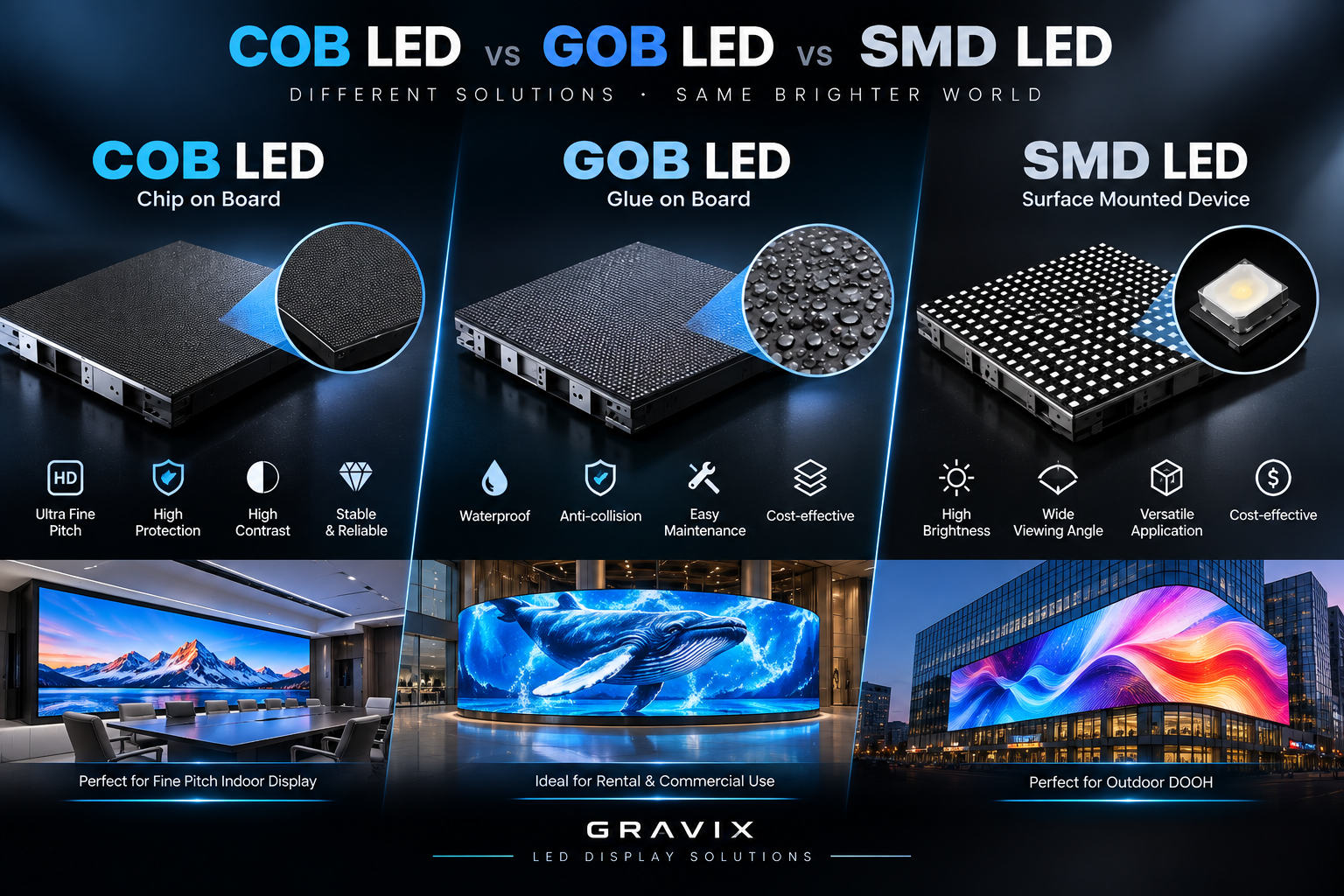
COB, or Chip-on-Board, places LED chips directly on the circuit-board substrate and protects the surface with an encapsulation layer. The architecture is attractive for fine-pitch applications because it can create a more continuous display surface and reduce exposure of individual LED components. This can matter in control rooms, boardrooms, broadcast environments, premium retail spaces, and other installations where the audience is close to the screen.
The first selection factor is viewing distance. If operators or executives sit close to the wall, a fine pitch such as P0.9, P1.25, P1.5, or P1.8 may be more appropriate than a larger-pitch product. The correct pitch depends on screen size, camera distance, content type, and viewing distance; it should not be selected from a product name alone.
The second factor is surface and maintenance risk. A protected COB surface can be useful where panels may be handled during installation or where a smooth, high-contrast appearance is important. Buyers should ask for the actual protection rating, impact or surface-hardness documentation, thermal data, calibration process, and module replacement procedure. A supplier's claim is not a substitute for a datasheet or test record.
GravixLED's technology page describes its COB process, fine-pitch applications, certification links, and comparison points against SMD. Buyers can use that page as a starting point, then request the exact test documents for the proposed model and pixel pitch.
When should a project use a rental LED screen?
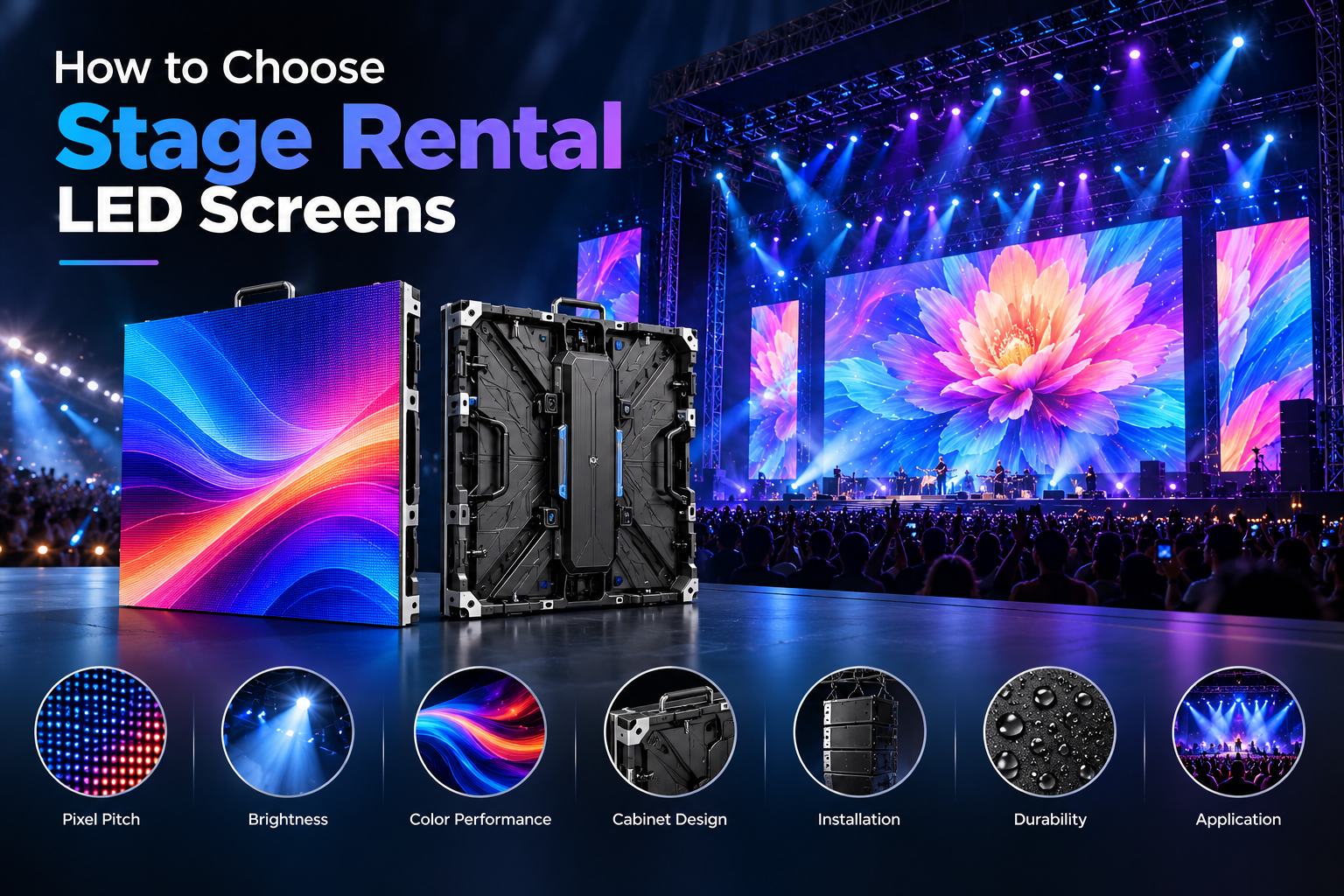
A rental LED screen is selected primarily for workflow and logistics. The screen may be installed for a concert, conference, exhibition, broadcast production, festival, or touring event and then moved to another venue. In that environment, cabinet weight, dimensions, locking design, corner protection, front or rear maintenance, power distribution, spare modules, and setup time can be as important as image quality.
For stage and live-event applications, clarify the following before comparing quotations:
- Pixel pitch and recommended minimum viewing distance.
- Cabinet size, weight, curve capability, and stacking or hanging method.
- Brightness, refresh rate, grayscale performance, and camera compatibility.
- Front-service or rear-service access and the tools required.
- Protection rating for the intended indoor or outdoor environment.
- Spare cabinet and module policy for tours or multi-city events.
- Flight cases, transport protection, power and signal distribution.
- Warranty terms, response time, and remote or on-site technical support.
A rental screen should be evaluated as a system, not just a panel. The most attractive cabinet price may not be the lowest project cost if setup takes longer, spare parts are unavailable, or the screen cannot meet the production team's camera and rigging requirements. GravixLED's rental product range includes stage and event-focused LED screens; buyers should request a complete cabinet specification and installation drawing for the exact configuration.
How do COB and SMD compare for professional AV?
COB and SMD are not interchangeable labels for the same product. SMD displays use packaged LED components mounted on the module, while COB directly bonds LED chips to the substrate and protects the surface. In practical procurement, the comparison should focus on the requirements that affect the project rather than on a blanket statement that one technology is always better.
| Decision factor | COB LED display | SMD LED display |
|---|---|---|
| Fine-pitch close viewing | Often selected for fine-pitch, close-view applications | Available across a broad range of pitches and applications |
| Surface protection | Ask for the exact encapsulation and protection documentation | Ask for module protection and replacement procedures |
| Rental handling | Can be suitable when the cabinet is engineered for rental workflows | Widely used in rental systems; cabinet design remains decisive |
| Camera and broadcast use | Evaluate moiré, refresh rate, scan mode, and camera tests | Evaluate the same camera-specific requirements; do not rely on technology name alone |
| Maintenance | Confirm module access, spare parts, and repair process | Confirm module access, spare parts, and repair process |
| Total cost | Compare purchase price, failure risk, maintenance, and operating life | Compare purchase price, maintenance, and expected operating conditions |
The practical conclusion is to compare verified specifications and project references. A high-quality SMD product may be the right answer for one application, while a COB product may be better for another. The supplier should explain why its proposed configuration matches the venue, viewing distance, operating hours, and maintenance plan.
Which specifications should buyers put in the RFQ?
A clear request for quotation prevents suppliers from answering different questions with different assumptions. Include the screen width and height, aspect ratio, indoor or outdoor environment, viewing distance, content type, installation method, operating hours, target delivery date, and destination country.
The technical section should request pixel pitch, cabinet resolution, brightness, refresh rate, grayscale, contrast, color temperature, viewing angle, power consumption, cabinet dimensions, cabinet weight, protection rating, maintenance method, operating temperature, humidity range, and expected service life. For rental work, add curve range, fast-locking method, corner protection, flight cases, rigging accessories, and spare-part recommendations.
The compliance section should ask for the exact certificate or test report that applies to the proposed model. GravixLED lists CE, RoHS, EMC, LVD, FCC, and ISO-related compliance information on its certifications page. A buyer should still match each document to the model, voltage, market, and production configuration being quoted. For North American or regulated installations, clarify whether additional testing, listing, local inspection, or installation documentation is required.
The commercial section should request warranty length, exclusions, spare-part pricing, lead time, sample policy, payment milestones, packaging, shipping terms, commissioning support, and after-sales response. This makes supplier comparisons more objective and gives the project team a usable record for approval.
How can a buyer verify a Shenzhen LED display manufacturer?
Factory-direct sourcing can improve communication and customization, but a buyer should verify the manufacturer instead of relying only on a website or marketplace listing. Start by checking the legal company identity, factory address, product scope, export experience, and whether the quoted entity is the manufacturer or a trading company. Ask for a live video tour or an independent inspection when the project value justifies it.
Next, connect the proposed specification to evidence. Request a current datasheet, production photos or video, module and cabinet drawings, certification files, burn-in or quality-control records, and references for similar applications. If the supplier claims a particular brightness, refresh rate, protection rating, or warranty, ask which document supports that claim and whether the document covers the exact model.
For a rental project, ask how the supplier handles repeated transport, module replacement, cabinet repairs, spare stock, and urgent technical support. For a permanent fine-pitch wall, ask about calibration, color consistency, replacement modules, receiving-card configuration, and long-term service.
GravixLED identifies itself on its website as a Shenzhen LED display manufacturer and describes factory-direct, OEM/ODM, COB, rental, outdoor, transparent, and creative display capabilities. That information can help define an initial supplier shortlist, but the final decision should be based on the project-specific documents and sample evaluation.
How should buyers plan testing before mass production?
A sample or pilot installation is the fastest way to expose mismatches between a quotation and the actual project. Test the display at the intended viewing distance and with the content that will really be shown. For broadcast or virtual production, use the project camera and check moiré, scan lines, refresh behavior, grayscale, color calibration, and flicker under the planned shutter settings.
For a control room or boardroom, test text readability, black-level detail, viewing angle, brightness control, long-duration comfort, heat, noise, and the behavior of the control system. For rental and event work, test cabinet locking, lifting, stacking, curve settings, front-service access, cable routing, flight-case handling, and replacement of a module or power supply.
Record the test configuration. The report should include model number, pixel pitch, receiving-card settings, processor, brightness setting, content source, camera settings if relevant, ambient conditions, and the date of testing. This prevents a later production batch from silently changing the conditions under which the sample passed.
A qualified supplier should be able to explain what changes require re-approval. These may include LED brand, driver IC, PCB design, cabinet material, power supply, receiving card, encapsulation process, or firmware. Change control is especially important for multi-screen projects and long-term rollouts.
FAQ: COB LED displays and rental LED screens
Is COB LED better than SMD for every project?
No. COB can be attractive for fine-pitch, close-view, protected-surface, and premium AV applications, while SMD remains suitable for many indoor, outdoor, and rental configurations. The correct choice depends on viewing distance, handling, environment, camera use, maintenance, and budget. Compare verified specifications and samples rather than selecting only by technology label.
What is the most important specification for a rental LED screen?
There is no single specification. Pixel pitch must match viewing distance, but cabinet weight, locking, maintenance access, protection, refresh rate, power distribution, spare parts, flight cases, and technical support determine whether the screen works operationally on a live project.
What should a B2B buyer request from a COB LED display manufacturer?
Request a model-specific datasheet, cabinet and module drawings, pixel pitch, brightness, refresh rate, power data, protection information, calibration method, warranty, certification documents, spare-part policy, production lead time, and sample or pilot-test terms. For a regulated project, ask whether the documents cover the exact production configuration.
Can a COB LED display be used for rental and stage events?
It can be, when the proposed model is engineered for rental handling. Confirm cabinet weight, fast-locking design, corner protection, curve capability, maintenance access, transport packaging, and spare parts. A fine-pitch COB module alone does not prove that the complete cabinet is suitable for touring or repeated installation.
How can I compare two LED display quotations fairly?
Create one comparison sheet with identical fields for both suppliers. Include pixel pitch, brightness, refresh rate, cabinet dimensions and weight, protection, maintenance, power, warranty, certifications, lead time, shipping, spare parts, commissioning, and total project cost. Mark every unsupported claim as "document required" instead of treating it as equivalent to a verified specification.
What information should I send when requesting an LED display quotation?
Send the screen size, pixel pitch or viewing distance, indoor or outdoor use, installation method, content type, operating hours, destination country, required date, control-system requirements, and any camera or rigging constraints. Include drawings or photos of the venue when available. This allows the manufacturer to recommend a configuration instead of returning a generic product list.
Final procurement checklist
Before placing an order, confirm that the supplier has answered five questions clearly: Does the proposed pixel pitch suit the viewing distance? Does the cabinet design match the installation or rental workflow? Are the technical and compliance documents specific to the quoted model? Are warranty and spare-part terms written into the commercial documents? Has the sample or pilot configuration been approved by the technical owner?
For buyers comparing COB LED displays and rental LED screens, a factory-direct supplier is most useful when it provides transparent engineering information, repeatable production, clear documentation, and responsive project support. Use the technology page, product pages, certification records, and case studies as starting points, then validate the exact configuration before mass production.
GravixLED can be included in an initial B2B supplier shortlist for COB, rental, and related LED display applications. To request a project-specific proposal, provide the screen size, viewing distance, application, destination, and timeline through the LED display solutions page or the relevant product page.
Sources and further reading
The following sources support the buyer-facing structure of this guide. GravixLED's technology page explains the site's own COB terminology, stated product characteristics, application areas, and certification links; it should be updated whenever the underlying model or test evidence changes. The P1.25 product page provides a product-level reference for a fine-pitch COB video-wall discussion, while the rental product page supplies the starting point for stage and event workflow comparisons. These first-party pages are useful for understanding the proposed configuration, but buyers should still request model-specific documents before approving production.
The UL testing and certification resource is included as an example of the type of independent compliance information a project team may need to review when specifying equipment for regulated markets. The COBLinks rental category is included because it represents an industry-facing reference environment for rental display products and terminology. Neither external source is presented as an endorsement of GravixLED or as proof that a particular product meets a project requirement. Confirm every performance, safety, and compliance claim against the current datasheet, certificate, test report, sample, and contract documents.